🎓 Power BI & Power Platform Certifications: An Honest Guide
Full transparency: I don’t hold any Power BI certifications yet. I’m preparing for PL-300 now, with PL-200 planned as my follow-up. I’m writing this publicly because the journey is just as useful to document as the destination.
The Microsoft landscape is bigger and more complex than Tableau’s. This is my attempt to map it clearly.
🗺️ The Microsoft Certification Framework
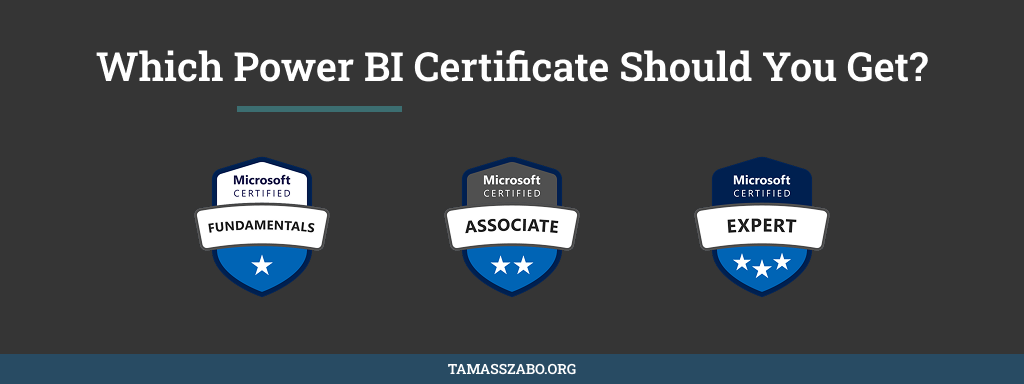
Microsoft uses three tiers across all products:
Fundamentals: entry-level, no prerequisites, proves basic product knowledge. Associate: role-based, tests practical skills. This is where most analysts should aim. Expert: advanced, often requires an Associate credential first.
There are five certifications worth knowing in the Power BI and Power Platform space.
The Five Certifications
$99
Renew annually · free
Format
40–60 questions · 60 min · Pass: 700/1000
Prerequisites
None.
Best for
Complete beginners who want a foundation before committing to Associate level
$165
Renew annually · free
Format
40–60 questions · 100 min · Multiple choice + hands-on · Pass: 700/1000
Prerequisites
None formal. Hands-on Power BI Desktop and Service experience strongly recommended.
Best for
Practising analysts — the credential with the most employer recognition in the BI space
Microsoft Certified: Power Platform Functional Consultant Associate
Exam: PL-200 →
$165
Renew annually · free
Format
Scenario-based · Covers Power Apps, Power Automate, Dataverse, Power BI · Pass: 700/1000
Prerequisites
None formal. Broad hands-on experience across the full Power Platform is essential.
Best for
Consultants bridging business requirements and Microsoft ecosystem implementation
$165
Renew annually · free
Format
Technical · Custom connectors, Dataverse extensions, Power Apps component framework
Prerequisites
Development experience with JavaScript, TypeScript, C# or .NET recommended
Best for
Developers — not a typical target for analysts
$165
Renew annually · free
Format
Expert level · Architecture, governance, enterprise integration
Prerequisites
PL-200 or PL-400 required first
Best for
Senior consultants leading enterprise-wide Power Platform implementations
💡 One Big Advantage Over Tableau: Free Annual Renewal
Microsoft role-based certifications require annual renewal but it’s a free online assessment on Microsoft Learn, not a full retake. 30–45 minutes, no exam centre, no fee.
Compare that to Tableau’s $200 retake every two years. If you hold multiple Microsoft credentials simultaneously, that difference adds up fast.
🎯 Which One to Target and My Plan
Analyst focused on dashboards: start with PL-300. Most recognised, most relevant to daily work, highest employer demand.
Consultant wanting full ecosystem breadth: follow PL-300 with PL-200. It covers Power Apps, Power Automate, and Dataverse alongside Power BI. The combination that enterprise clients increasingly ask for.
Complete beginner: start with PL-900 to orient yourself before committing to an Associate exam.
Skip PL-400 and PL-600 unless you’re in a development or architecture role.
My plan is PL-300 first. It consolidates what I’m actively doing right now in Power BI. PL-200 follows as the consulting layer on top. PL-300 gives me the analyst credential. PL-200 gives me the consultant credential. Together they cover both sides of the work I want to do.
⚙️ How to Register
All exams go through Pearson VUE via learn.microsoft.com/credentials.
One important note: register with a personal Microsoft account, not a work or school account. If you leave the company, exam records tied to a work account become unrecoverable.
Book a physical test centre over online proctoring if you can. The online software can be temperamental: connection issues, environment checks that fail on exam day. Given the preparation investment, it’s worth removing that variable.
And ask your employer to cover the $165 before paying yourself. Most companies have Learning & Development budgets for exactly this, and Microsoft Partner organizations often have free exam vouchers available.
📚 How I'm preparing
Microsoft Learn first. The official PL-300 learning path is free and built directly from the exam objectives. Then hands-on practice in a developer environment (the Power Apps Developer Plan is free). Practice tests in the final weeks. I'll write the post-exam report once I've sat it.
🔑 The Takeaway
The Microsoft ecosystem is broader than Tableau’s: more credentials, more paths, more ways to differentiate. The flip side is it’s easier to study for the wrong exam.
Simple framework: analyst → PL-300. Consultant → PL-300 then PL-200. Beginner → PL-900 first. Regardless of which you choose, get hands-on before you open a practice test. These are not theory exams.
Also preparing for a Power Platform exam?
Drop a comment below. I'd love to hear which certification you're targeting and how you're approaching it.
See All Posts →