The Analyst’s Toolkit I.
Tableau Public
Kicking off my Analyst’s Toolkit series, I have to start with my first “best friend”: Tableau Public.
But before I tell you why I love it, I have to tell you how I found it.
My “Gateway Drug” into BI
My journey into Business Intelligence started with a struggle. Back when I was working at Intrum, our tool of choice was QlikSense. For about a year, I fought with it. I was trying to bend the data to my will and come up with really complex calculations, but I felt limited.
That frustration became my motivation. I knew there had to be other ways to visualize data, so I started exploring Tableau on my own time just to develop myself.
That curiosity changed my career. Soon after, I joined Starschema, where I had the absolute luxury of working alongside some of the best data analysts in Hungary. Seeing what the pros could do with Tableau was a revelation—it was like seeing fire for the first time.
More Than Just a Free Tool
If you think Tableau Public is just a “lite” version of the professional software, you’re missing the point. It is the most powerful career-building platform in the data world.
Steal with Pride (The Analyst’s Secret)
In the corporate world, we call it “benchmarking.” On Tableau Public, I call it Steal with Pride. One of the best features of the platform is the ability to “open the hood.” You can download workbooks from the world’s best developers to see how they played around with containers and layouts for a “SaaS” look.
My Work in Action: The Nerazzurri Success
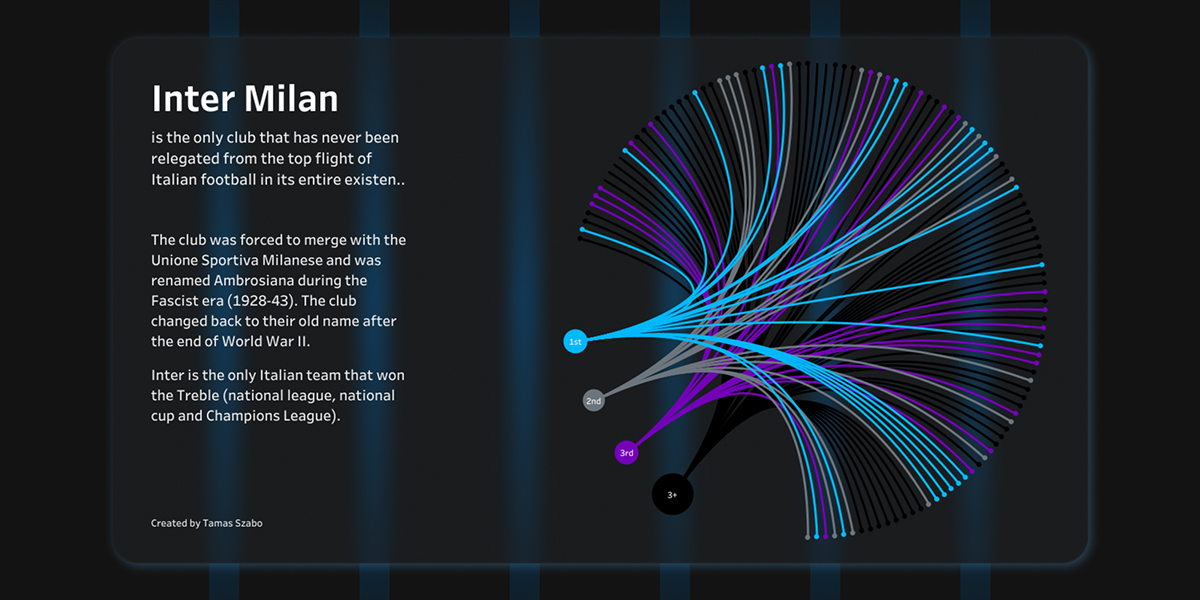
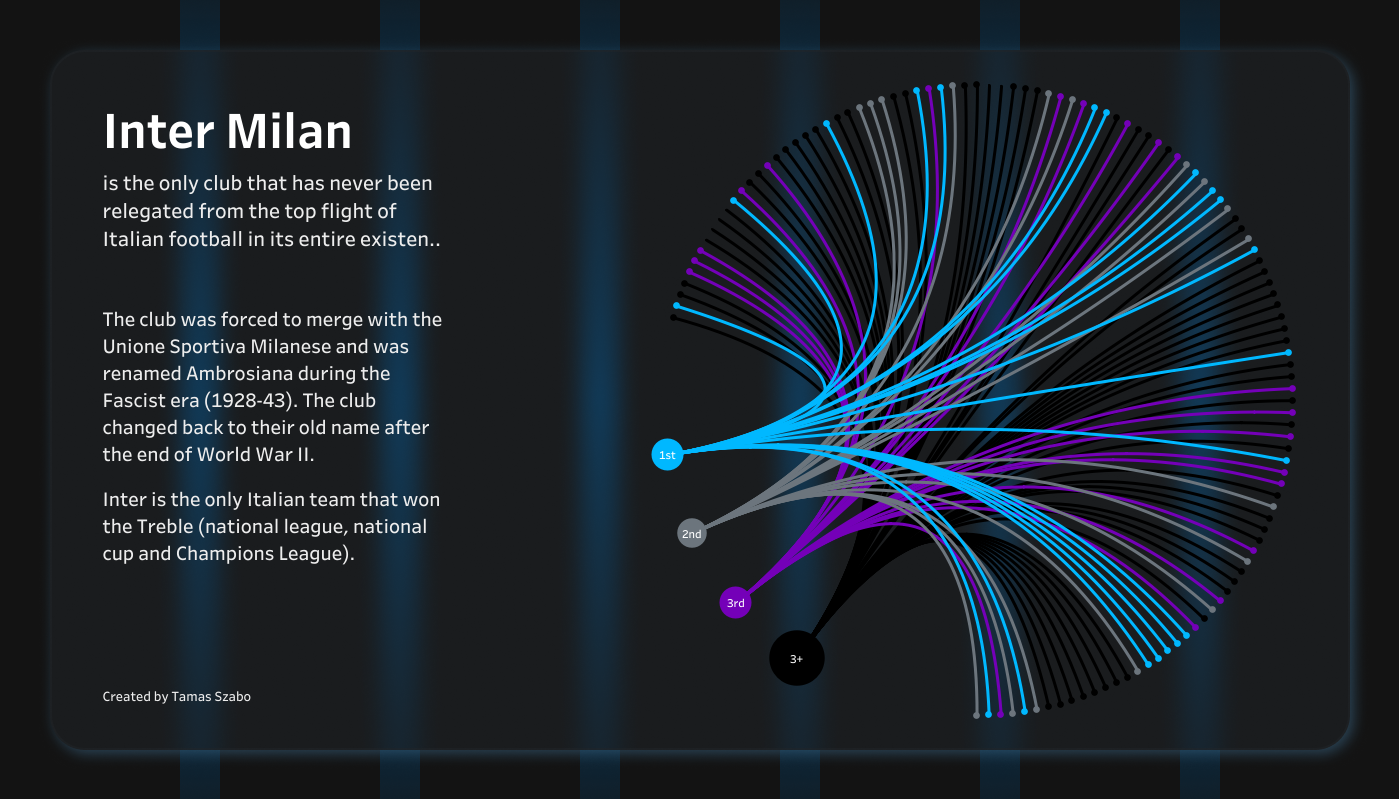
To show you what this looks like in practice, I decided to step away from corporate KPIs and focus on a lifelong passion of mine: Inter Milan.
Being a massive Nerazzurri fan, I wanted to showcase the club’s recent success through a professional lens. I built this dashboard not just as a tribute, but as a challenge to myself: to apply the same high-level, executive-style clarity I use at Hyundai to the “Beautiful Game.” It’s one thing to say Inter is successful; it’s another to see the data prove it.
Learn from the Masters
I didn’t reach a Senior level by guessing. I stood on the shoulders of giants. If you want to level up, follow these three resources:
- Andy Kriebel: The master of efficiency. He will teach you how to build a chart in 30 seconds that used to take you 30 minutes.
- Tableau Tim: The best resource for understanding the “Why” behind new features and complex settings.
- The Flerlage Twins: They push the boundaries of what is possible. If you think a chart type can’t be done in Tableau, they’ve probably already built it.
The Takeaway: Just Do It
The biggest lesson I learned from my time at Starschema and my transition to international roles is this: You can only learn this by doing. Stop watching and start clicking.
Just do it.